19-February-2026
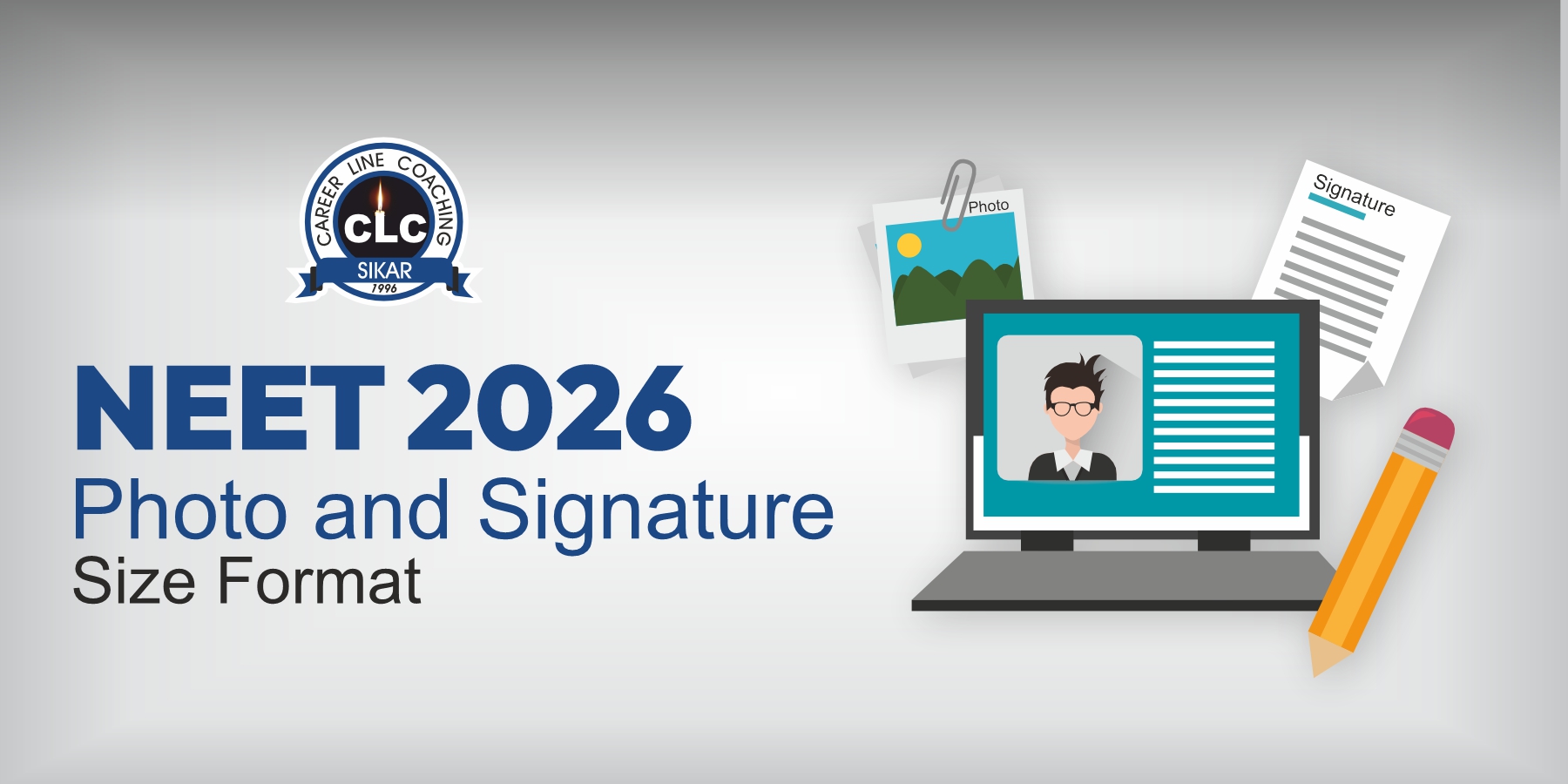
NEET 2026 Photo & Signature Size Format
Understanding of filling in the NEET application form in the right way is equally important as passing the exam. Thousands of applications are denied every year because of improper image upload. It is imperative to know the NEET Photo and Signature Size and Format (passport and postcard) so that you do not have to recheck and redo the form.
The application of National Eligibility cum Entrance Test (NEET-UG) is administered by the National Testing Agency (NTA), which has tough requirements of photograph, signatures, and thumb impressions among other documents.
📋 Table of Contents
▲- NEET 2026 Photo-Size and Signature Guidelines (Overview)
- Documents Required for NEET Registration 2026
- NEET 2026 Passport Size Photo Specifications
- Do’s and Don’ts While Uploading a Photograph for NEET 2026
- NEET 2026 Live Photo Guidelines
- Signature Upload Rules
- Do’s and Don’ts While Uploading a Signature for NEET 2026
- NEET 2026 Left and Right Hand Fingers and Thumb Impressions
- Do’s and Don’ts for Thumb Impression Upload
- NEET 2026 Document Upload Common Mistakes and How to Avoid Them
- Tips to Avoid Rejection of NEET Application Form
- Why These Guidelines Are Strict
- FAQ
NEET 2026 Photo-Size and Signature Guidelines (Overview)
NTA requires candidates to upload multiple biometric and identity images, not just a passport photo.
|
Document |
Specifications |
File Size |
Format |
|
Photograph |
Recent passport-size (2.5 × 3.5 inches) and postcard-size (4 × 6 inches), colour photo with 80% face visibility, white background, name & date printed |
10 KB – 200 KB |
JPG/JPEG |
|
Signature |
Clear signature in black ink on white paper |
10 KB – 100 KB |
JPG/JPEG |
Read More: Facial Recognition in NEET
Documents Required for NEET Registration 2026
Students must ensure they have all required documents ready in the prescribed format before discussing image specifications.
|
Document |
Specifications |
File Size |
Format |
|
Passport-size Photograph |
Recently colored, 80% face visibility, white background, ears visible |
10 KB – 200 KB |
JPG/JPEG |
|
Postcard-size Photograph |
Recent, colored photograph with white background |
10 KB – 200 KB |
JPG/JPEG |
|
Signature |
Black ink on white paper, clear, no digital editing |
10 KB – 100 KB |
JPG/JPEG |
|
Class 10 Marksheet |
Scanned copy of Class 10 certificate or equivalent |
50 KB – 300 KB |
|
|
Category Certificate |
For SC/ST/OBC or other reserved categories (if applicable) |
50 KB – 300 KB |
|
|
Photo ID Proof |
Government-issued ID (Aadhaar, Voter ID, Passport, etc.) |
10 KB – 200 KB |
JPG/PDF |
Must Know: How to Fill NEET 2026 Application Form
NEET 2026 Passport Size Photo Specifications
1. Passport Size Photo Requirements
The passport photo is the primary identity image.
Key specifications:
- Must be recent (taken within last 6 months)
- Color photograph only
- White background mandatory
- Face clearly visible (no shadows)
- Neutral expression
- Eyes open and looking straight
- No mask, cap, or sunglasses
- Spectacles allowed only if non-reflective
2. Postcard-Size Photograph Requirements
NEET also requires a larger photo known as the postcard-size photograph.
Important points:
- Should be identical to passport photo
- Must show upper body including shoulders
- High resolution
- Same white background
- No cropping of head or shoulders
This image is used for verification during the examination process.
Do’s and Don’ts While Uploading a Photograph for NEET 2026
|
Do’s |
Don’ts |
|
Use a recent color photo |
Upload old photographs |
|
Maintain white background |
Use colored or patterned backgrounds |
|
Ensure face is clearly visible |
Cover face with hair or accessories |
|
Keep neutral expression |
Smile excessively or make expressions |
|
Use proper lighting |
Upload dark or shadowed images |
|
Wear normal clothing |
Wear uniform, cap, or mask |
NEET 2026 Live Photo Guidelines
Recent NEET forms introduced a live photo capture option via webcam or mobile.
Live Photo Rules:
- Take the photo in real time during form filling
- Sit in a well-lighting area
- Plain background
- Keep face centered
- Do not use filters
- Remove caps or face coverings
- Ensure internet stability during capture
No proper lighting or blurred images may lead to rejection.
Signature Upload Rules
Your signature is a legal declaration that the information provided is correct.
NEET 2026 Signature Upload Guidelines
- Sign on white paper using black or dark blue ink
- Use running handwriting (not block letters)
- Scan clearly
- Crop tightly around signature
- Upload in JPG/JPEG format only
Signatures written in CAPITAL LETTERS are often rejected.
Do’s and Don’ts While Uploading a Signature for NEET 2026
|
Do’s |
Don’ts |
|
Sign with black/blue pen |
Use pencil or colored ink |
|
Use running handwriting |
Write in capital letters |
|
Scan clearly |
Upload blurred image |
|
Crop properly |
Include extra white margins |
|
Ensure correct orientation |
Upload rotated image |
NEET 2026 Left and Right Hand Fingers and Thumb Impressions
NTA now collects biometric verification data through finger impressions.
NEET Thumb Impressions Guidelines 2026
Candidates must upload:
- Left-hand fingers and thumb impression
- Right-hand fingers and thumb impression
Instructions:
- Use blue ink pad
- Press fingers evenly on paper
- Ensure ridges are clearly visible
- No smudging or overlapping
- Scan at high resolution
- White background paper only
Blurred impressions may lead to application rejection.
Do’s and Don’ts for Thumb Impression Upload
|
Do’s |
Don’ts |
|
Use blue ink pad |
Use stamp ink or pen ink |
|
Press evenly |
Apply uneven pressure |
|
Ensure clarity |
Upload smudged prints |
|
Use white paper |
Use colored paper |
|
Scan at high quality |
Upload pixelated image |
NEET 2026 Document Upload Common Mistakes and How to Avoid Them
|
Mistake Category |
Common Mistake |
How to Avoid / Correct Way |
|
Photo – Age / Recency |
Uploading an old photo (e.g., older than three months before Jan. 2026) |
Take a photo of a recent date on or after January 1, 2026 (ideally within the last three months). Note the name and date below if you need. |
|
Photo – Background & Quality |
Using dark or colored background,shadows, blurry image, selfie, photo that has been edited or filtered, and over-edited. |
Light or white background only; clear professional passport-sized photo; 100% face coverage (ears clearly visible) No mask and no cap. |
|
Photo – Format & Size |
False file format (not JPG/JPEG) Size outside of 10 -200 Kb |
The file must be JPG/JPEG. sizes ranging from 10 KB to 200 KB in both postcard and passport photographs. Be sure to scan correctly; avoid over compression. |
|
Photo – Type / Dimension |
Uploading the wrong type (only passport size,missing of postcard) or uploading incorrect dimensions |
Upload both passport size (~3.5 × 4.5 cm) and postcard size (4 × 6 inches); keep extra prints ready. |
|
Signature – Style |
Signing signatures in block letters or capital letters |
It must be written in cursive and running handwriting (full signature and not initials). |
|
Signature – Ink & Background |
Using colored ink, non-white background, blurred/unclear scan |
Use black/blue ink on white paper; scan clearly; ensure no smudges. |
|
Signature – Format & Size |
Wrong format (not JPG/JPEG), size outside limit |
JPG/JPEG is the only format that can be used; sizes range from between 4 and 30KB (sometimes as high as 50KB) and ensure that the signature is legible and clear. |
|
General – Using Others’ Docs |
Uploading someone else’s photo, signature, or thumb impression |
Upload only your own documents; never use morphed, computer-generated, or fabricated images. |
|
General – Clarity & Scanning |
Images that are blurry, low-resolution or scans with poor quality |
Make sure you scan at a good resolution (e.g. 72 DPI or greater) Preview your scan prior to uploading; use a reliable scanner or a reliable scanning application. |
Tips to Avoid Rejection of NEET Application Form
- Read the information bulletin thoroughly
- Prepare images in advance
- Verify dimensions and file size
- Preview before final submission
- Keep backup copies
- Use a reliable internet connection
- Re-check personal details
Even small mistakes in NEET Application Form can delay or cancel your application.
Why These Guidelines Are Strict
NEET is a national-level exam with millions of applicants. Strict image rules help:
- Prevent impersonation
- Enable biometric verification
- Ensure smooth exam day procedures
- Maintain fairness
FAQ
1.Is it possible to post a selfie on the NEET application form?
No, selfies are not suggested. To avoid rejection, the photograph must be of good quality in the studio or have been captured with the right light, plain background and all facial characteristics must be clear.
2.What will I do in case my photo or signature is denied?
In the event that the uploaded photos fail to match the guidelines, your submission can be stopped or you can be requested to re-upload the right contents within the correction period.
3.Is it possible to replace the photo or signature after it has been submitted?
Yes, in case the National Testing Agency opens the correction window, the candidates can edit the uploaded pictures which do not match the provisions.
4.Should the photo in the passport and the postcard be identical?
Yes they must be the same and taken simultaneously so as to be consistent later on when they are verified.
5.What is the dimension of the passport picture of NEET 2026?
This is a passport-size photo where a white background and JPG/JPEG format with the size of about 10KB to 200KB are required. The face should not be covered with shadows, masks, and accessories.
“Still confused about NEET 2026 form filling? Comment your doubt below.”
CLC Editorial Team
Our Latest Blog
NEET UG 2026 Stray Vacancy Rou...
Missed out on an MBBS or BDS seat in the earlier rRead More
NEET UG Counselling 2026 Round...
For students waiting for the third round of NEET URead More
NEET UG 2026 Stray Vacancy Rou...
Missed out on an MBBS or BDS seat in the earlier rRead More